
A Web 3D Asset Pipeline, in Order
· 5 min read · #threejs #game-dev
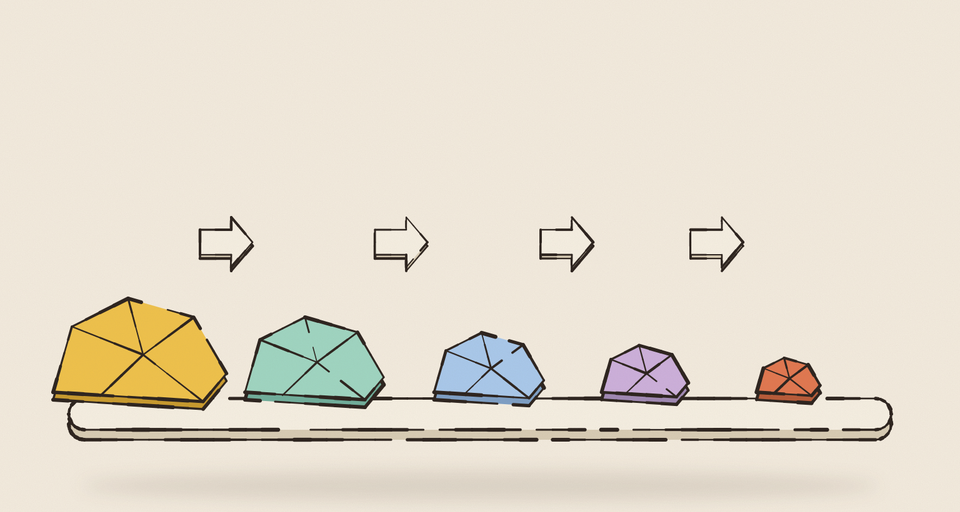
The first two posts in this series were about the frame: getting shaders linked before they’re needed and hundreds of draw calls down to a handful. This one is about what happens before the first frame at all: getting the models and textures for Typo’s Voyage (opens in a new tab) small enough to download quickly and cheap enough to hold in a school Chromebook’s memory.
None of it is exotic. The value is in the order things happen, and in a few traps that are easy to fall into.
Models: clean up, then compress
Every model is committed twice: the original GLB, and an optimized copy that’s the only one the game ever loads. A small script produces the optimized copy by running the original through gltf-transform (opens in a new tab), one command per pass:
The first five passes are cleanup. dedup merges identical meshes, materials and accessors. prune removes anything nothing references. flatten collapses unnecessary node hierarchy. weld merges duplicate vertices, turning unindexed geometry into indexed geometry. reorder sorts vertices and indices so the data compresses better.
Draco comes last, and has to. Draco’s mesh compression works on welded, indexed triangles, so everything before it is preparing the ground.
The trap here is the obvious-looking extra pass. gltf-transform also has a quantize command, which stores vertex attributes as smaller integers, and it’s tempting to add it for good measure. But Draco already quantizes every attribute it compresses (16 bits each for positions, normals, colors and UVs here), so quantizing first means quantizing twice, losing precision for no gain in size.
One model breaks the sequence on purpose: it has an empty node the game uses as a locator, which prune and flatten would happily remove. The script keeps leaves for that model and skips flatten. It’s worth reading what each pass considers “unused” before trusting it with your scene graph.
Textures: six atlases, two encoders
Textures are the bulk of the download. Voyage packs all of its tile and world art into six KTX2 atlases. Each is a 2×2 grid of cells, and a cell can itself hold a smaller 2×2 of four half-size textures, which is how small tiles share space without wasting it.
KTX2 with Basis Universal compression means the GPU can use the texture directly in a compressed form, instead of the browser decompressing a PNG into full-size RGBA in video memory. But Basis offers two very different encoders, and choosing between them matters:
- ETC1S makes small files and is great for detailed, colorful art. It struggles with smooth gradients, which come out banded.
- UASTC is much higher quality and much larger. Adding zstd supercompression shrinks the download a lot, and the texture inflates back to full UASTC quality after loading.
So color art goes into ETC1S atlases, and anything ETC1S would ruin (normal maps, noise textures, smooth gradients) goes into UASTC atlases. A single texture can’t mix the two, which is why the atlases are grouped by encoder in the first place. Together the six weigh about 7.9 MB, and that’s every tile texture in the game.
Two settings are worth getting right:
- Color space. Color art is encoded with an sRGB format, so it isn’t converted to linear (and quantized) before compression. Normal maps and noise are data, not color, and are encoded as linear. Getting that backwards is subtle: water normals go slightly wrong, and noise textures lose contrast.
- Mipmaps at bake time. The bake generates mipmaps with a proper filter, so the GPU never has to.
A loading race
KTX2 textures are transcoded in a web worker after they download. That means three.js’s LoadingManager can report “everything loaded” before the textures have actually arrived in your code. If your game starts the moment onLoad fires, a few textures are sometimes missing on the first frame.
Voyage keeps its own count of compressed textures still in flight, and only announces “assets loaded” once the loading manager is done and every compressed texture has landed and any lazily loaded code for that level has arrived. It’s a small piece of bookkeeping, and it’s the difference between a level that always starts correctly and one that occasionally doesn’t.
Generated meshes check their own dimensions
Some models aren’t sculpted at all. The treadmill’s chain links and the sea mine are generated by scripts, from the same constants the game uses to animate them.
That creates a contract: the treadmill’s track math is laid out against the exact size of each link, and a link that’s a fraction too big ends up where a sprocket tooth is meant to sit. So the generator builds every mesh to an expected bounding box, checks the result, and refuses to write the file on any mismatch.
Detail (rounded plates, rivet heads) is only ever allowed to live inside those boxes. It’s a small assertion, and it means a dimension mistake shows up as a script that won’t run rather than as something subtly wrong in the game.
Let artists test without a build
The last piece is for the people making the art. Compressed atlases are baked, so you can’t swap a texture in a running game. Voyage keeps a debug mode, switched on with a URL parameter, that loads the original uncompressed images instead and builds the atlases at runtime on a canvas.
In that mode, a texture panel lets anyone upload a replacement for any cell and see it in the game immediately. A tester needs nothing but a link to the deployed build. When the art is approved, it goes into the source folder and that atlas is re-baked. Normal players never load any of the uncompressed images; they only exist for people who ask for them.
The order, in one list
- Author originals and keep them in the repo. Never load them in production.
- For models: dedup, prune, flatten, weld, reorder, then Draco. No separate quantize.
- For textures: atlas them, encode color with ETC1S and data with UASTC plus zstd, get the color space right, and bake the mipmaps.
- Gate “loaded” on compressed textures actually arriving, not just on the loading manager.
- Make generated geometry assert its own dimensions.
- Give artists a way to test changes live, without a bake.
That wraps up this series. The shader warm-up keeps the first frame of each effect smooth, batching keeps every frame cheap, and a careful pipeline keeps the whole thing small enough to arrive quickly on a school network.
Get new posts by email
One short email when a post goes out, about once a week. Unsubscribe any time.
 Written by Zubin Khavarian